Visualization Tools

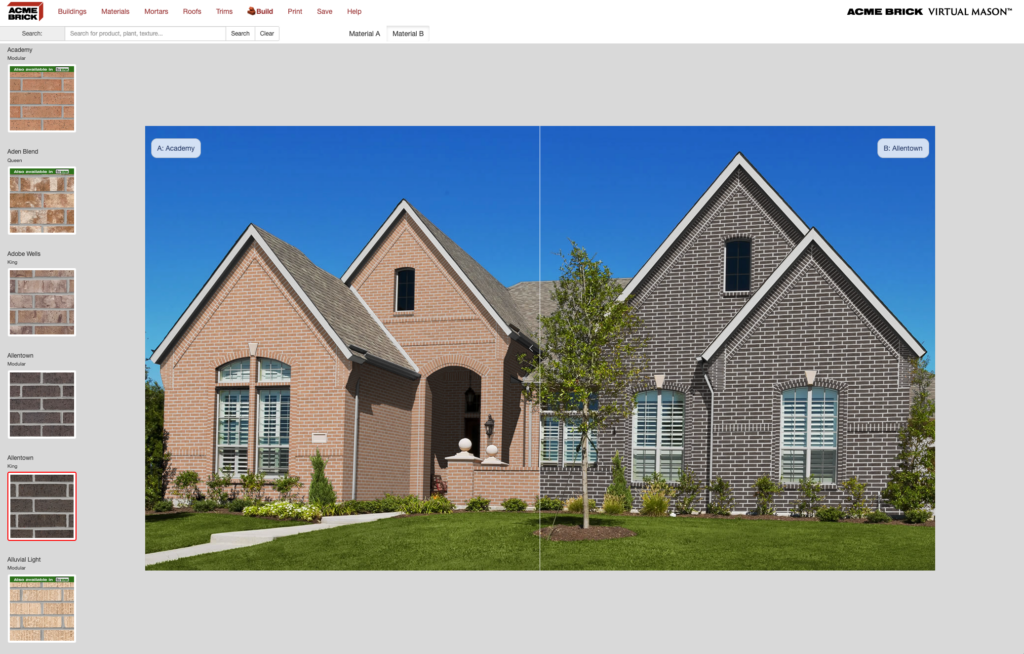
New! Virtual Mason

Build realistic renderings of homes or commercial buildings by selecting brick, mortar, roofing, and trim – and then compare two versions side by side! You can save and download your renderings as JPEG images as well. Try it now!
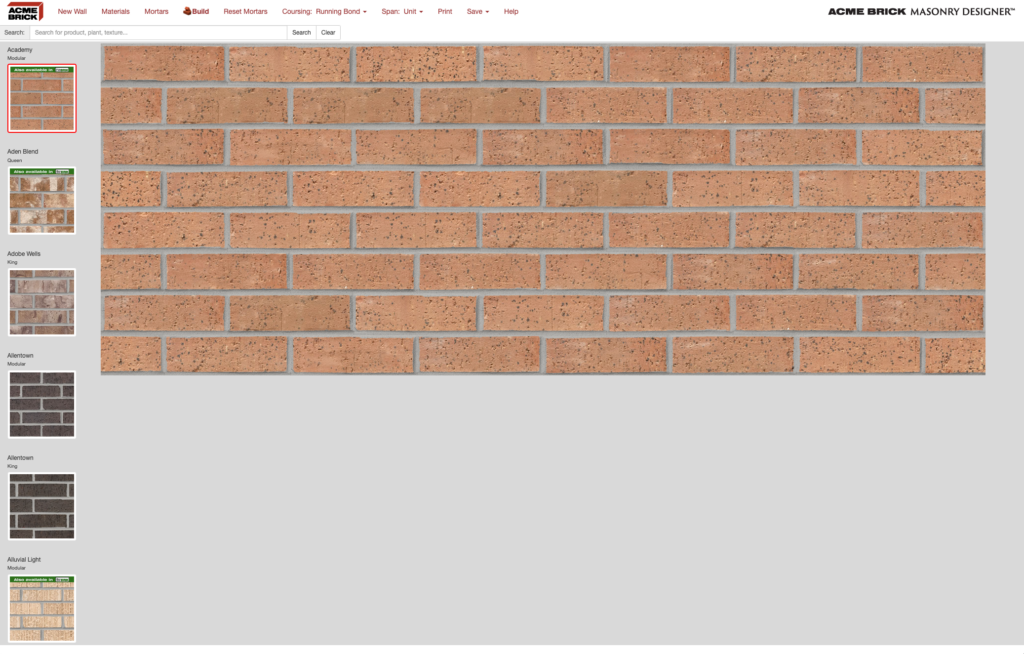
Masonry Designer

Build virtual wall sections of nearly any size and export them as bitmap images. Choose a brick size, then brick color, mortar color, and coursing. You can build walls of multiple colors, brick by brick if you choose – and even incorporate other Acme Brick Company products such as Featherlite Concrete Block products, including our Palo Duro burnished line. Try it now!

Revit

Design using Acme products within Revit with the free Acme Revit Plug-in, a Windows executable (.EXE) file. Masonry Designer installation is required before plug-in installation.

Find a Local Store

Your current location

Select a Dealer

Filter

Manufacturer
Select Manufacturer
Brick Manufacturer
Plant Locations
Select Plant
Filter on Plant Location
Brick SIZE
Select Size
Brick Size Filter
Color
Select Color
Brick Color Filter
Texture
Select Texture
Brick Texture Filter
Manufacturer
Select Manufacturer
Tile Manufacturer
Application
Select Application
Tile Application Filter
Color
Select Color
Tile Color Filter
Material
Select Material
Tile Material Filter
Commercial or Residential
Select Commercial or Residential
Commercial or Residential Filter
No Hardwood Filters
No Luxury Vinyl Filters
No Laminate Filters
Manufacturer
Select Manufacturer
Cladding Manufacturer
Color
Select Color
Cladding Colors
No Paver Filters
No MISC Filters
Manufacturer
Select Manufacturer
Thin Brick MFG
Brick SIZE
Select Size
Thin Brick Sizes
Color
Select Color
Brick Color Filter
Texture
Select Texture
Brick Texture Filter
Manufacturer
Select Manufacturer
Stone MFG
Color
Select Color
Stone Colors